Flashbang Protection
PROSwitching from a dark app straight into a blinding white one usually feels like staring into high beams. Our flagship, first-of-its-kind Flashbang Protection catches that spike the millisecond you switch, softens the blow, and glides brightness back up smoothly. For people who work at night, this is a lifesaver.
Built for the laptop lap and the three-monitor desk.
soonWhether you are using our active controls or upcoming tools like resolution presets and color sampling, everything is designed to behave identically on a solo MacBook screen and a full multi-monitor rig. Multiple monitor features are currently under development. Check out the roadmap.
One utility for your entire screen stack.
Instead of juggling separate apps to tweak brightness, grab colors, or manage displays, Phosphor is bringing the essentials under one roof. Check out the roadmap to see what's in store.
Built 100% natively in Swift for macOS with minimal background battery drain.
Everything is built for your own tweaking. I am actively building out the rest of the screen suite. Flashbang Protection is live now as the first Pro feature, with more on the way.
Flashbang
Protection
PROCatches the brightness spike when you switch from a dark app to a bright one, and eases it back down instead of blasting you instantly.
Perfect for people who work in the dark

Color
Picker
FREEClick anywhere for the color and real brightness there, sampled from a small area around your cursor, not a single guessed pixel.
Soft
Screen
FREESoftens bright areas of your screen with a subtle texture. Doesn't change colors, just reduces the harsh glare.
Focus
Spotlight
FREEDraw a region and everything outside it dims, so your eye stays on the one thing you are working on.
Screenshots
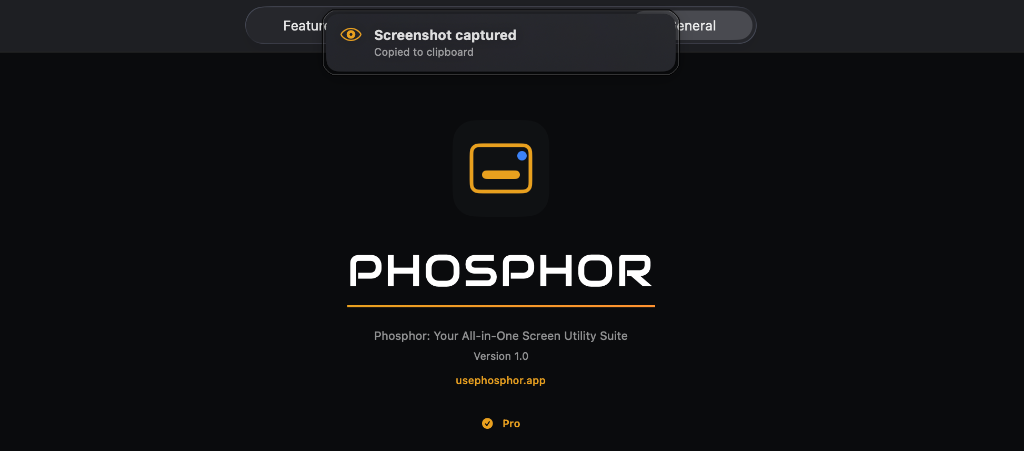
FREERegion, window, or full display, straight from your menu bar with built-in precision tools, copied to your clipboard directly.
Display
Schedule
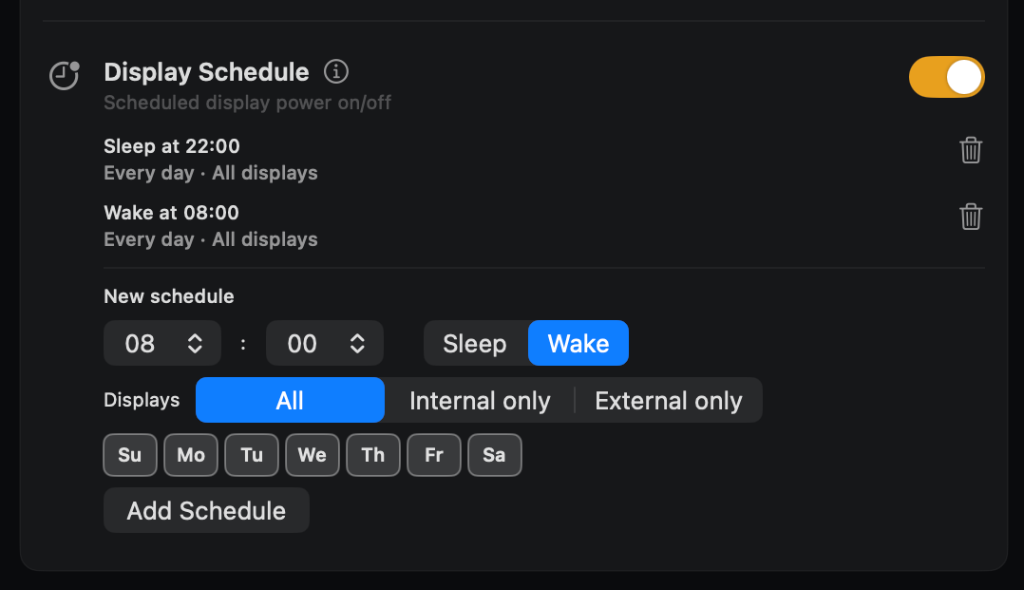
FREETurn displays on or off on a schedule you set, so a monitor does not sit lit all night or greet you cold in the morning.
Color
Grading
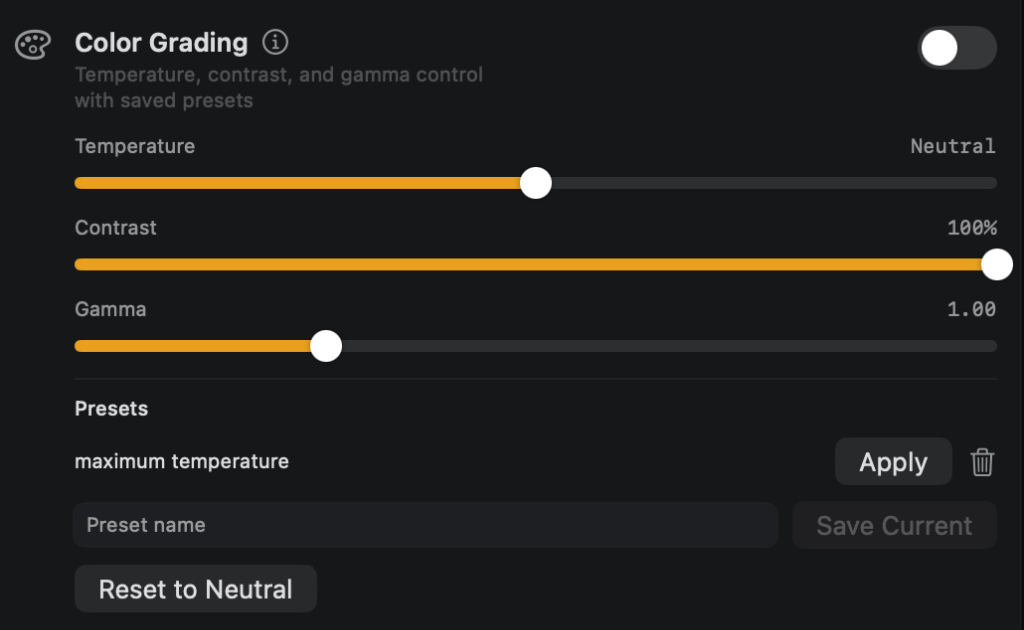
FREEAdjust temperature, contrast, and gamma across your whole screen, then save the combination as a named preset you can reapply anytime.

Refresh Rate
Control
FREESwitch your display's refresh rate right from the menu bar, no trip to System Settings.
Resolution
Presets
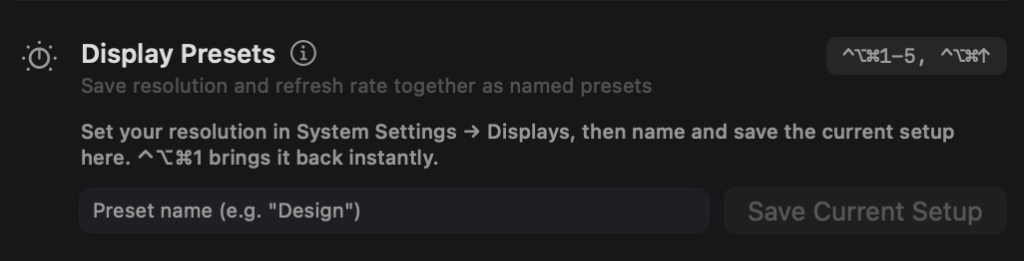
FREENamed resolution & refresh-rate presets. Save your preferred settings and switch back to them instantly.
Display
Health
Screen time, brightness history, and roughly how much of your battery drain the display itself is responsible for. Some metrics may not be available on all Mac models.
And more to come... See what's next
Nothing leaves your Mac.
Everything stays on your Mac. It is built with privacy at its core.
Built natively in Swift for macOS, not wrapped from a web app, which is why it stays light and doesn't drain your battery running in the background. Phosphor contacts our payment provider once when you activate a Pro license, and periodically afterward, only when online, to confirm the license is still valid. No other network activity.
Want a feature that isn't here yet?
Tell us what your screen needs and we'll look at building it.
Contact UsFree
Start using the free foundation today. Flashbang Protection, our flagship feature, is available now too, as a one-time Pro purchase.
Every feature here, Pro included, is being continuously refined based on real usage and testing.
$10 one-time purchase. Get Phase 2 completely free when it's released, and every subsequent major upgrade for half its price.
Future upgrades are planned in good faith as part of active development. If a planned feature doesn't ship, this doesn't entitle you to a refund beyond the standard 14-day guarantee.
Get Phosphor with Flashbang